
Note
Go to the end to download the full example code.
CAD-friendly plotting#
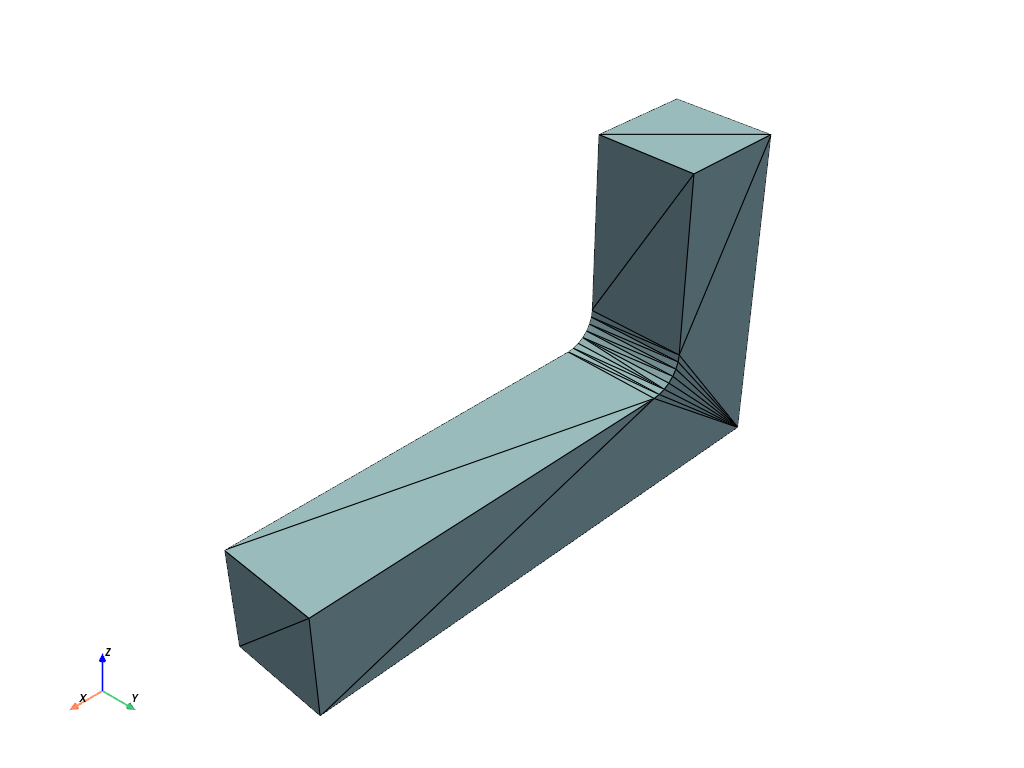
A generic mesh viewer draws the triangulation: with show_edges=True
you see every facet edge, an artifact of the tessellation tolerance that
means nothing to a CAD user. What a CAD user wants is the model’s
topological edges (the B-rep feature curves) over smoothly shaded
faces, exactly like a CAD application’s viewport.
pyvista-cad reproduces that pipeline:
pyvista_cad.topods_to_multiblock()tessellates each topological face independently and attaches analytic surface normals (a coarse cylinder still shades perfectly round), plus a sibling edges block of the real B-rep curves recovered from the same mesh pass.The
plotter.cadcomponent and the.cad.plot()accessor render faces smooth with their triangle edges hidden and the topological edges overlaid in the theme edge colour.
import numpy as np
import pyvista as pv

import pyvista_cad
from pyvista_cad import examples
Read a STEP bracket. It comes back as a pyvista.MultiBlock
with the originating TopoDS cached on each block, so the CAD-view
helpers can recover exact topology.
The generic view: triangle mesh with facet edges. The filleted bend looks polygonal and the edges are tessellation noise, not features.
combined = mb.combine().extract_surface()
combined.plot(show_edges=True, color='lightblue')
/home/runner/work/pyvista-cad/pyvista-cad/examples/06_advanced/cad_friendly_plot.py:40: PyVistaFutureWarning: The default value of `algorithm` for the filter
`UnstructuredGrid.extract_surface` will change in the future. It currently defaults to
`'dataset_surface'`, but will change to `None`. Explicitly set the `algorithm` keyword to
silence this warning.
  combined = mb.combine().extract_surface()
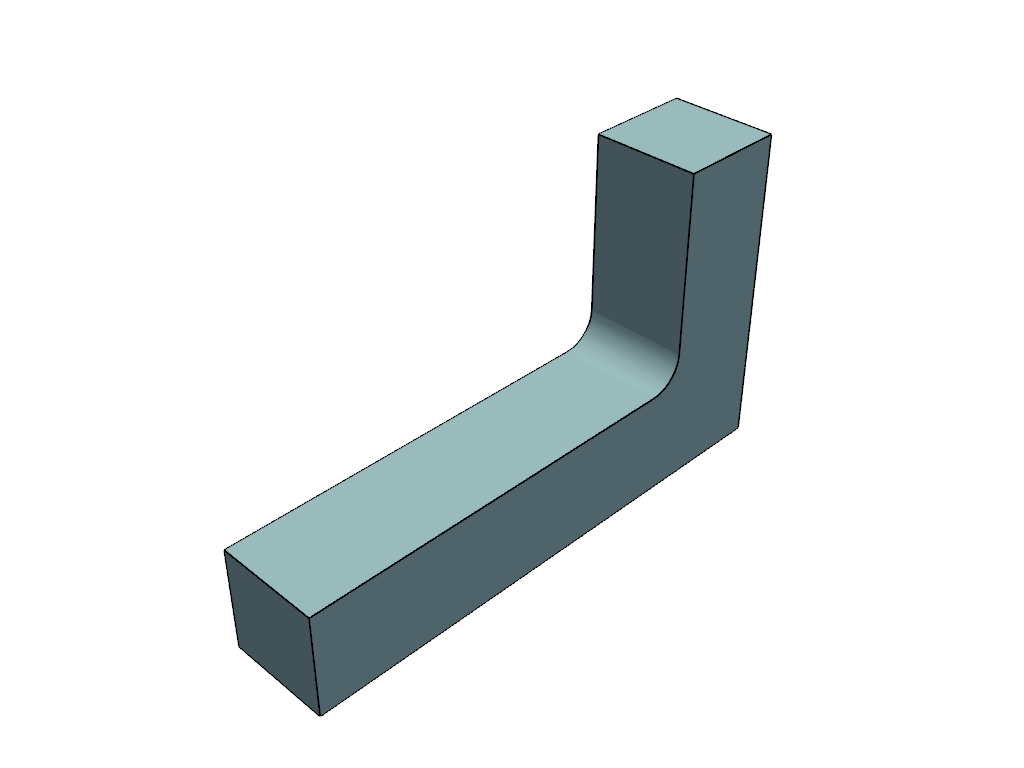
The CAD-friendly view: smooth analytic shading, only the topological edges drawn. Same data, but it reads like a CAD viewport.
The data behind the render. topods_to_multiblock keeps per-face
identity and classifies every edge curve.
.cad.cad_view() resolves the read result (recovering each block’s
cached B-rep) into a {'faces', 'edges'} MultiBlock.
cad = mb.cad.cad_view(linear_deflection=0.2)
edges = cad['edges']
legend = edges.field_data['cad.edge_kind_legend'][0]
kinds, counts = np.unique(edges.cell_data['cad.edge_kind'], return_counts=True)
n_faces = sum(1 for _ in cad['faces'].cad.walk())
print(f'topological faces : {n_faces}')
print(f'topological edges : {edges.n_cells}')
print(f'edge-kind legend  : {legend}')
print(f'edge-kind counts  : {dict(zip(kinds.tolist(), counts.tolist()))}')
topological faces : 1
topological edges : 19
edge-kind legend  : 0=line;1=circle;2=ellipse;3=hyperbola;4=parabola;5=bezier;6=bspline;7=offset;8=other
edge-kind counts  : {0: 17, 1: 2}
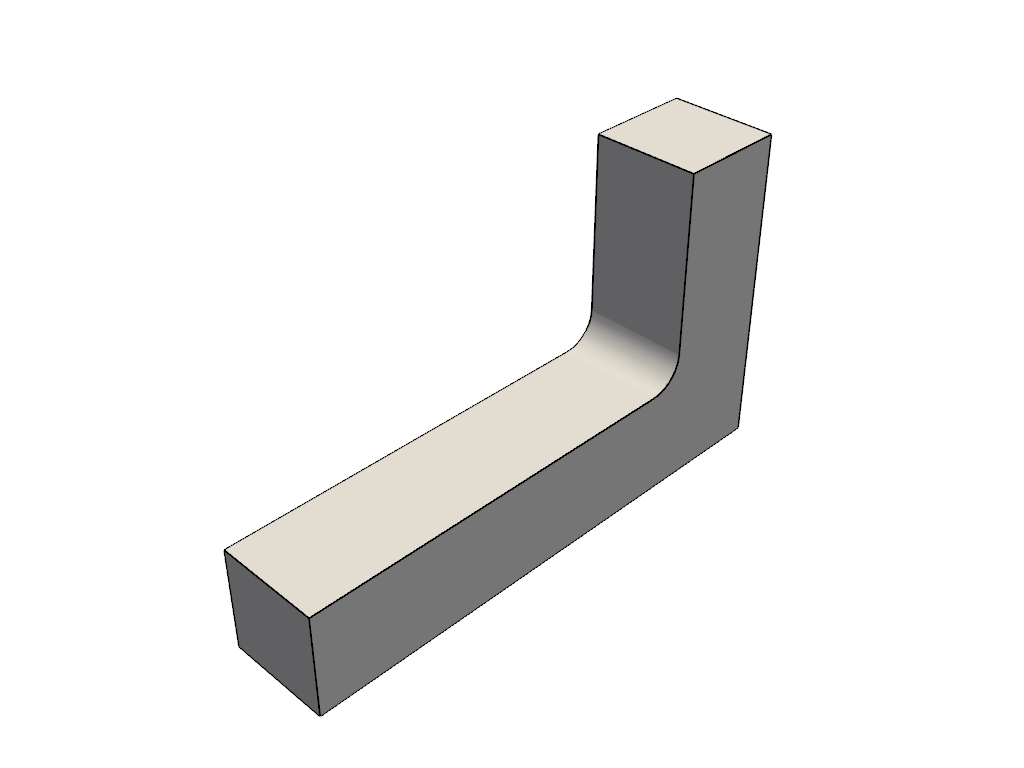
A silhouette-only outline, handy for drawings and thumbnails.
Total running time of the script: (0 minutes 0.748 seconds)