
Note
Go to the end to download the full example code.
Read an IFC building#
IFC (Industry Foundation Classes) is the dominant interchange format
for buildings and infrastructure (BIM). This example loads a real BIM
model, the buildingSMART “Single-family house” sample (CC-BY 4.0,
buildingSMART International), and confirms that every product becomes
one block in a pyvista.MultiBlock with cad.guid,
cad.ifc_type, cad.label, and cad.material field data
attached.
Why this matters: a typical BIM workflow starts by filtering an IFC by
IfcType (walls vs. slabs vs. mechanical) before any further
analysis. The .cad accessor’s find is built for exactly that.
import pandas as pd
import pyvista as pv

import pyvista_cad
from pyvista_cad.examples import downloads
Read the real IFC building.
Real BIM exports carry stray markers: this file has a
geo-reference point and a survey origin, both placed far
from the house. They have no reliable IFC class (generic
IfcBuildingElementProxy), so drop_spatial_outliers removes
them by a robust MAD test on block position instead of by name.
Filter by IFC type using the .cad accessor: the canonical BIM
pattern: pull every wall out of an arbitrary-depth building.
walls = mb.cad.find(ifc_type='IfcWall')
pd.DataFrame({'path': [str(p) for p, _ in walls]})
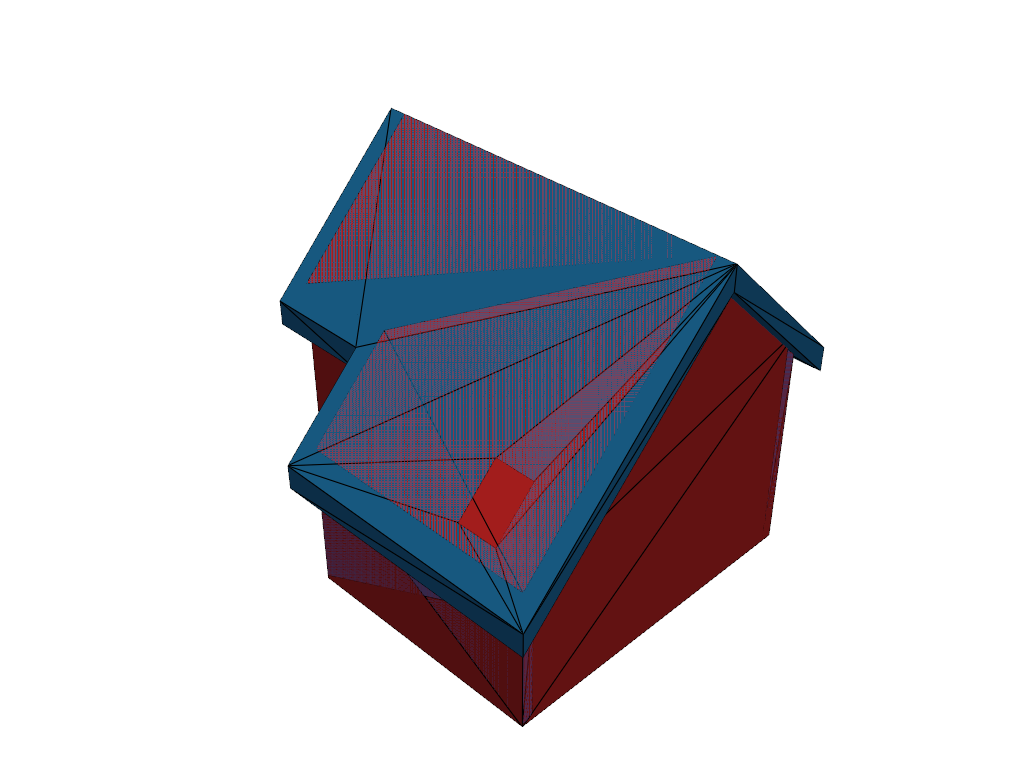
Render with one color per element.
pl = pv.Plotter()
pl.add_mesh(mb, multi_colors=True, show_edges=True, edge_color='black')
pl.show()
Total running time of the script: (0 minutes 1.019 seconds)